Set the standard.
Define your reactors, products, process steps and BOMs. Save and publish the times your team will work against.
See every reactor, follow every batch and find where time went. PlantPulsePro brings your team’s production entries together, so the next shift update starts with answers.
Start with your team’s entries. No DCS integration is needed.

Which reactor is running? What is it making? Select an activity below to look closer.
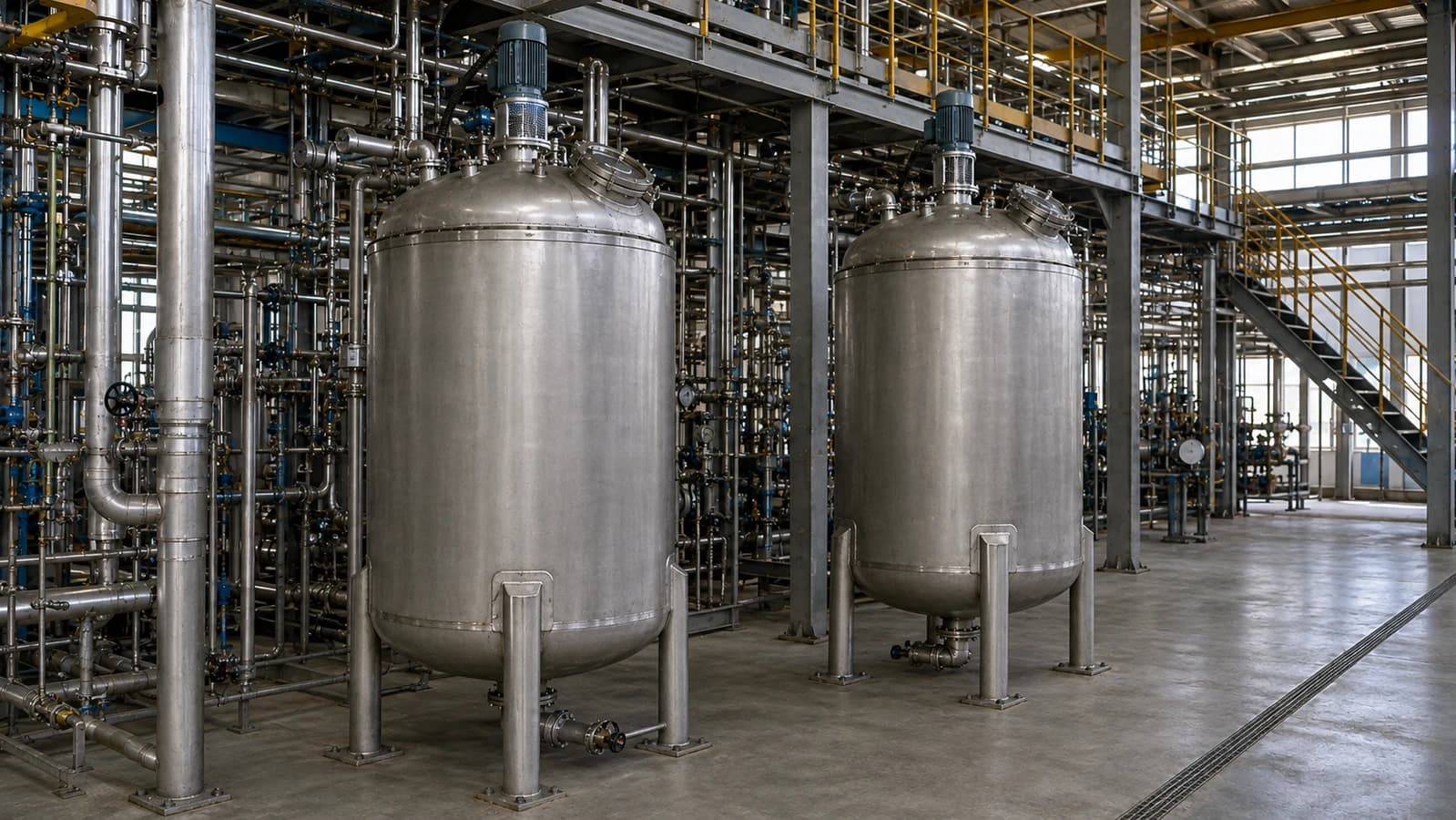
The operator knows what happened. The manager needs to see what needs attention. PlantPulsePro gives both a shared record to work from.
Start and finish steps, record material charges, and explain Idle, Cleaning and delays in the same workflow.
See current activity, open a batch’s step-by-step timeline, and compare actual time with its published standard.
Review approved OEE, reactor performance and recurring losses without assembling another spreadsheet.
Keep the detail your team needs. Make it easier to record, find and discuss.
Define your reactors, products, process steps and BOMs. Save and publish the times your team will work against.
Operators start steps, record material charges and finish the batch. Idle and Cleaning stay part of the same reactor history.
Capture the reason when work pauses or a step takes longer. Keep the explanation beside the time it relates to.
Review approved records, compare batch performance and follow recurring delays back to the work behind them.
Open the Batch Card to see how long each step took. Compare recent batches, inspect recorded delay reasons and review a reactor’s month of Active, Idle and Cleaning time.
The timeline stays beside the numbers—so a performance review can lead back to a real activity, not another guess.
Walk through a batch with us
Set up the modes, steps and BOMs that reflect how your plant actually runs.
People see the companies, sites and plants assigned to them. Operators record the work; authorized reviewers approve it. The approval and correction history stays with the record.
Read the security details →Bring your existing reactor, product and BOM information. Set up a small group, help the team get comfortable, then expand when you are ready.
No. Your team can begin with structured entries. Direct DCS and historian integration is not part of the current product.
Yes. Set different steps, batch times, Cleaning standards and BOMs for the reactor, product and Active mode you use.
It follows the latest recorded activity. Timers use saved server timestamps, so closing a browser does not stop the work.
Yes. Begin with a small set of reactors and products, get the workflow working for your team, then expand within your workspace limits.
Access follows each user's assigned role and plant scope. Entries go through the approval workflow before they contribute to approved reporting.
No. PlantPulsePro focuses on reactor activity, batch timing and production review. Your ERP and plant control systems keep their existing roles.
Show us how your team records reactor time today. We will map the first practical plant setup with you.
Authorized users can manage standards, run assigned operations, review live reactor status and access approved performance records.